
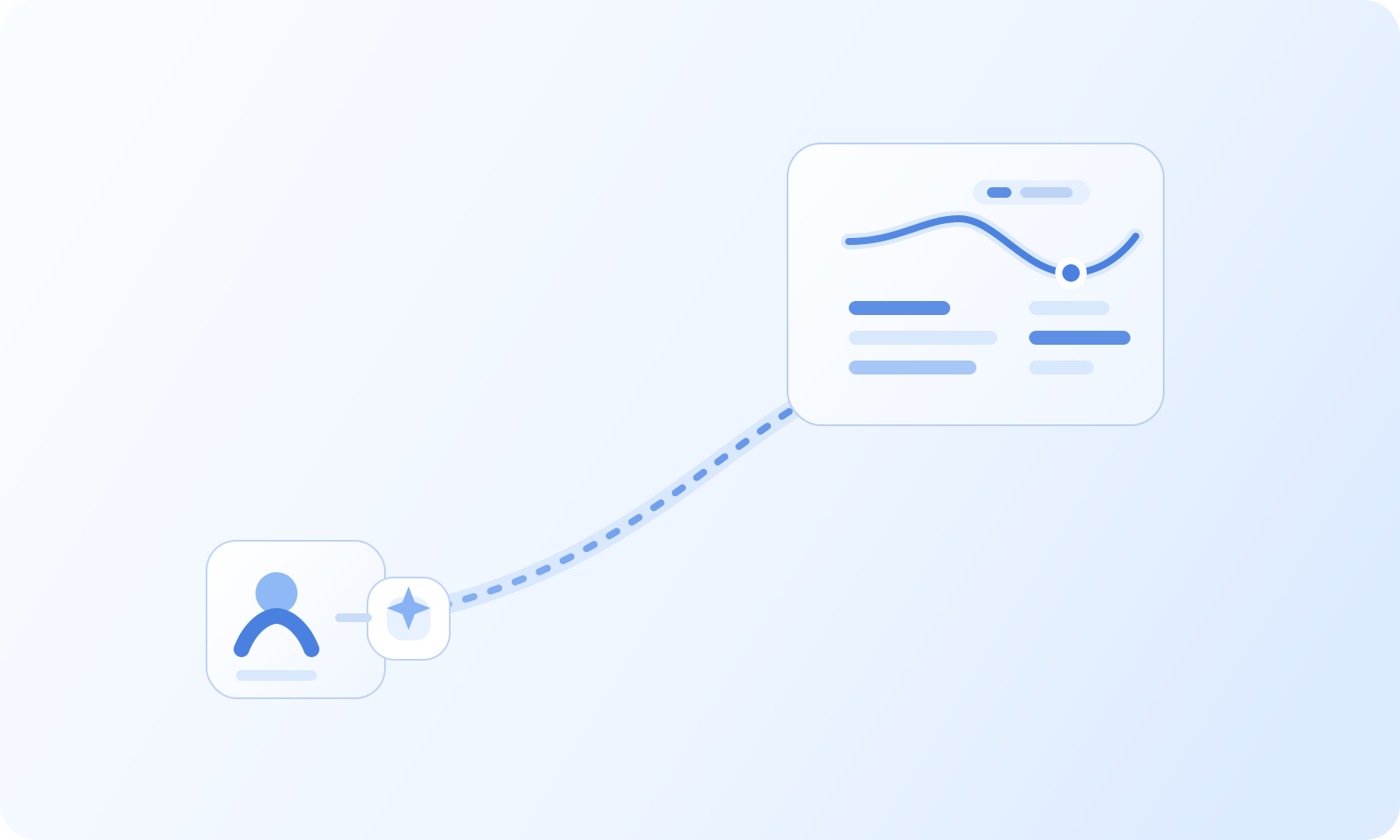
Reply Quality Analytics: AI-Driven Outreach Coaching
Reply Quality Analytics: AI-Driven Outreach Coaching Most outreach reporting stops at opens, clicks, and surface-level reply counts. That leaves teams without a clear view of why some messages create productive conversations while others generate silence, confusion, or low-quality responses.
Read MoreBeyond Gmail Tracking: Advanced Cold Email Analytics for Outreach
Agency operators can no longer rely on surface-level Gmail tracking dashboards or spreadsheet exports to keep 10 to 150 inboxes profitable. Scaling multiple client domains requires a system that ties engagement to meetings, revenue, and cost per meeting while keeping sender reputation healthy.
Read More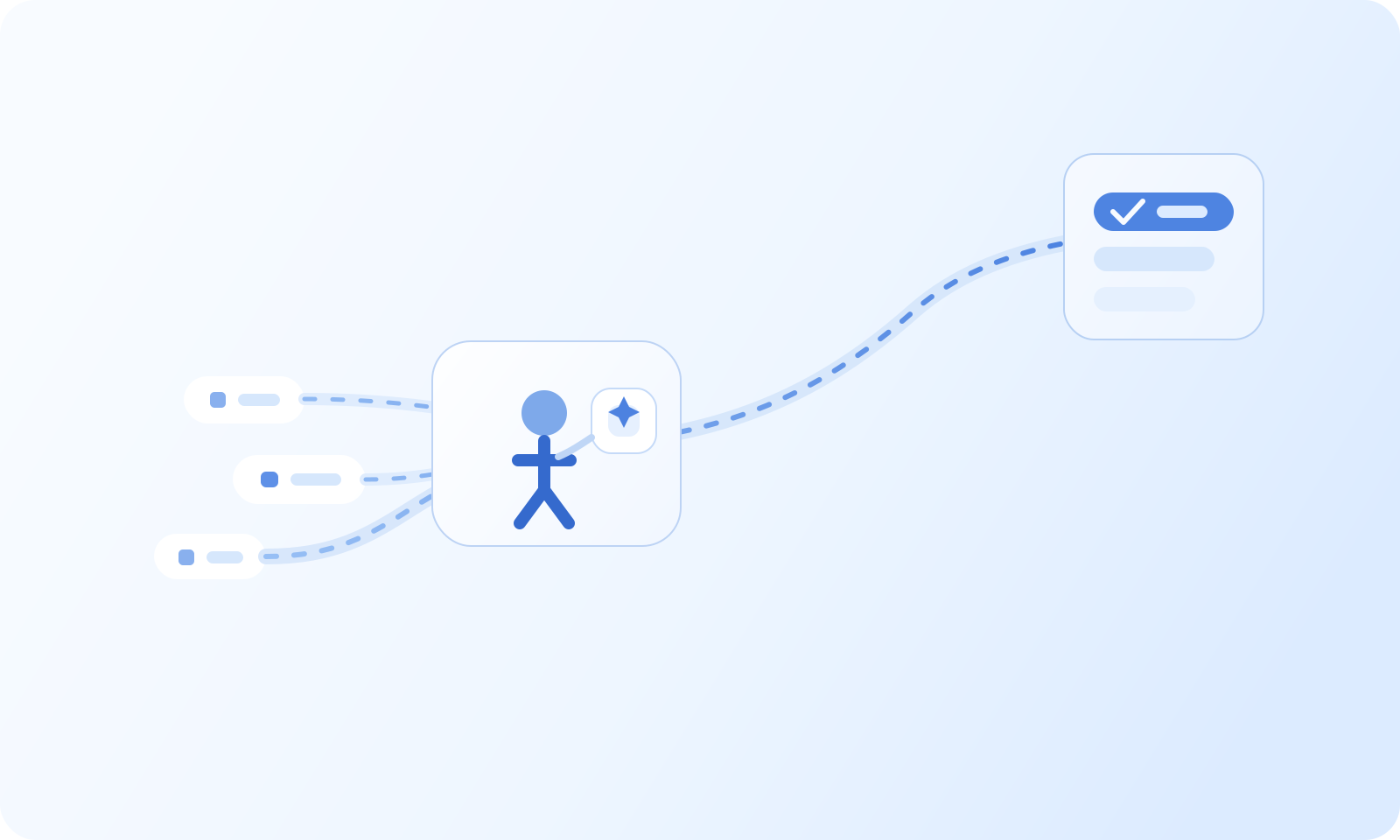
Intent Harvesting: Identify and Convert High-Value Buyers
Intent Harvesting: Identify and Convert High-Value Buyers Most teams collect buyer signals from several places, but they still struggle to turn those signals into clear priorities. Website activity, reply behavior, product interest, and account changes often live in separate systems, which makes timely follow-up harder than it should be.
Read More
Follow-Up Orchestration: Automated Multi-Step Email Sequences
Follow-Up Orchestration: Automated Multi-Step Email Sequences A lot of outbound performance is lost after the first message. Teams either stop too early, follow up too mechanically, or let replies and intent signals drift outside the workflow. Good follow-up is not just persistence. It is timing, context, and clear branching when buyer behavior changes.
Read More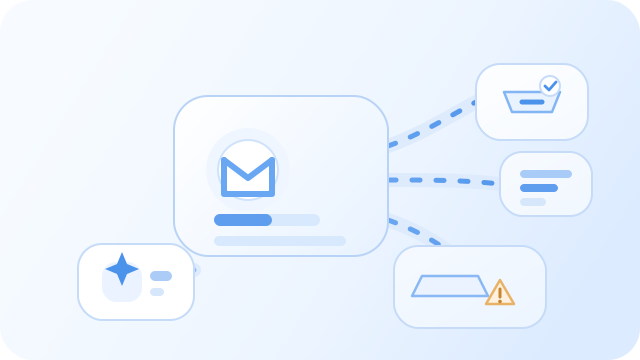
Inbox Placement Diagnostics: Prevent Spam Folder Routing
Make it clear where each email will land Industry experience has repeatedly emphasized that “delivery ≠ drop off”. This function integrates a whole set of methods into the product - unlimited seed tests can be done on Gmail, Outlook, Yahoo, iCloud and other mailboxes. The results are presented in four sections of industry experience and can be obtained in a few seconds. It is convenient to adjust the copywriting, throttling or sending pool before the real audience sees it. The AI agent will simultaneously improve customer data and intelligent writing suggestions.
Read MoreQualification Control Tower: AI-Driven Lead Scoring
Score, route, and explain lead priority in one place Qualification Control Tower helps teams decide which leads deserve attention first and why. Instead of hiding scoring logic inside spreadsheets or disconnected workflows, it centralizes fit, intent, routing, and SLA controls into a clearer operating layer.
Read More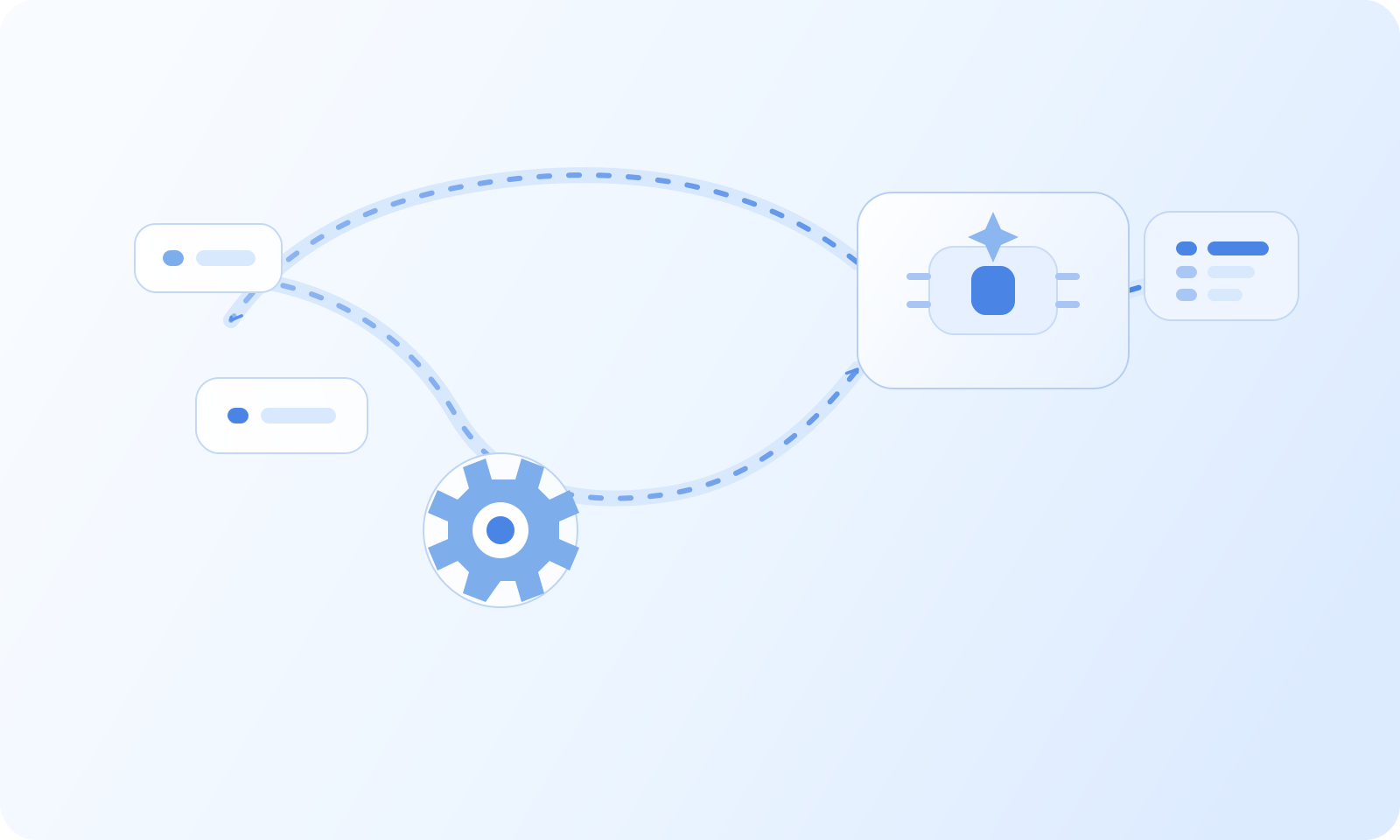
Review Business Signals Before Prioritizing Accounts
Several sources can help a team decide which accounts to research first, but no single signal or combined score establishes that a company intends to buy. Review what each source records, how current it is, and whether it refers to the right company before acting.
Read More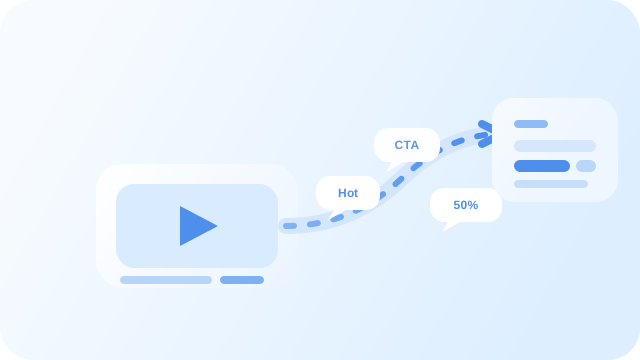
Video Engagement Intelligence: Track and Analyze Viewer Behavior
Video Engagement Intelligence: Track and Analyze Viewer Behavior Video outreach becomes much more useful when teams can see what happened after the send. A view alone is not enough. Teams need to know how deeply someone engaged, what that engagement might mean, and how it should affect the next step.
Read MoreAgency campaign reporting across client workspaces
Prepare a report for each client Open Analytics in the client workspace you are reviewing, or open a campaign and select its Analytics view. Choose a date range and timezone, then note the campaign and sender being reported. Repeat the same steps for each client workspace you are authorized to access.
Read MoreAgency Deliverability Command
Unified console for managing email delivery Gmail Sending Limit, Promotions tab, and Tracking often complain about the same problem: agencies lack a single dashboard to tell when a customer’s email is being throttled or promoted. Agency Deliverability Command systematizes this process and combines it with AI agents to help agents and growth teams understand delivery health and risks in real time.
Read MoreCampaign analytics and inbox-placement testing
Use campaign Analytics to review delivery Open Analytics or select a campaign and open its Analytics view. Set a date range that includes the sends you want to review. Compare the available sent, delivered, bounced, opened, clicked, replied, positive, and opportunity metrics. Segment by campaign, sender, or status when the view allows it.
Read More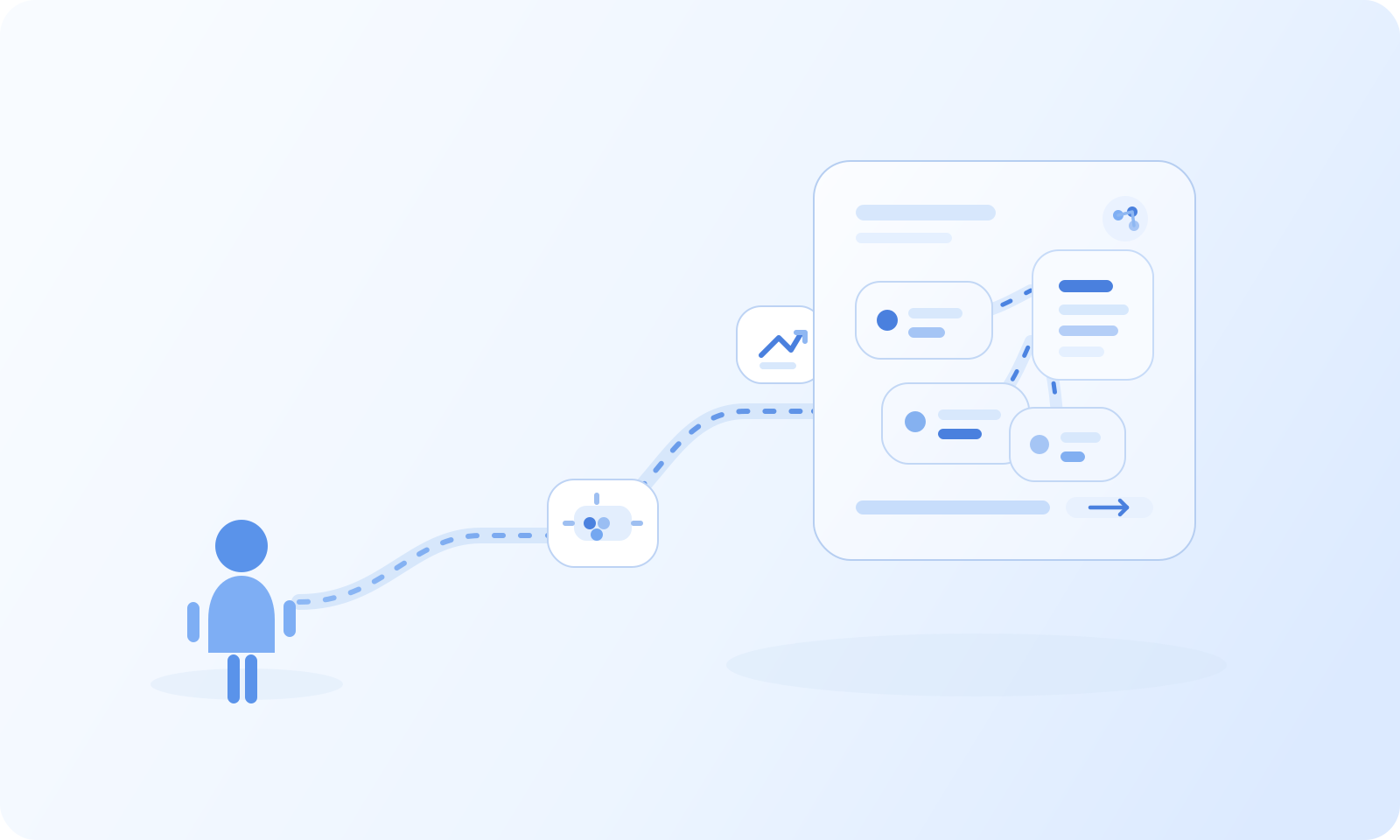
Compare Campaign Delivery by Sender
Campaign Analytics can show delivery activity for the selected date range and, where available, can be segmented by sender or status. These metrics describe recorded campaign activity; they are not a cross-workspace reputation score and do not establish why a result changed.
Read More