
Open Settings → Account & Settings → Audit Logs to review workspace activity. Owners and administrators can use the log to see who changed campaigns, lists, accounts, integrations, and security settings. The fields you can see depend on your role.
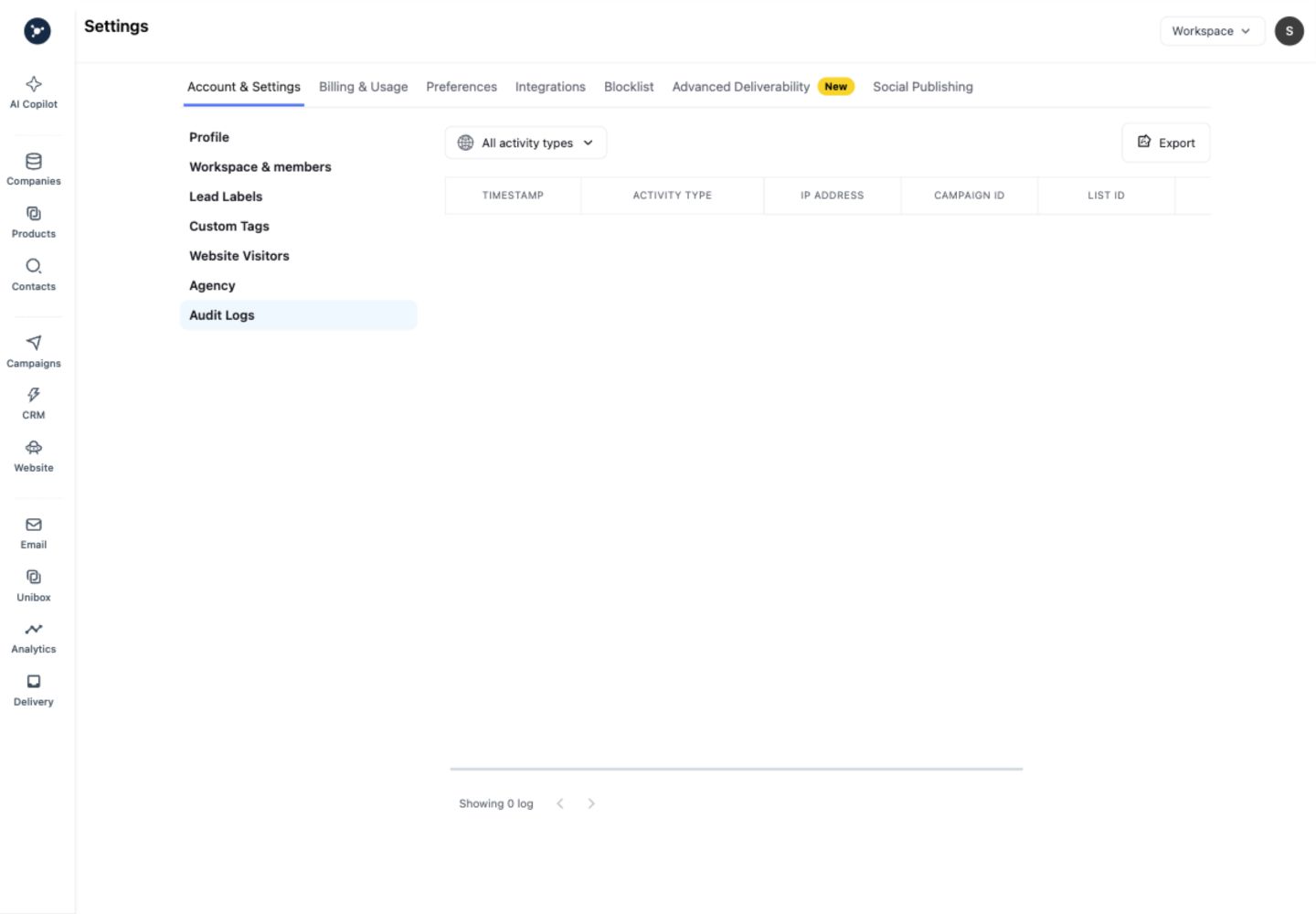
Use the Export control only when your workspace policy permits it. Before sharing an export, remove email addresses, record identifiers, domains, message text, API names, and timestamps that are not necessary for diagnosis.
Review an event
- Filter by the relevant time window, actor, or activity type when those controls are available.
- Open the event detail and record the action, target type, status, and request or correlation ID.
- Compare the event with the current campaign, account, list, or integration state.
- If the action was unexpected, revoke the affected connection or key, sign out other sessions if appropriate, and contact the workspace owner.
An empty state means that no events matched the current filters and permissions. It does not mean the workspace has never had activity.
What an audit entry contains
Open Settings → Audit logs and filter by the available actor, action, resource, or date controls. Read the timestamp, actor, workspace, action, resource identifier, and result before changing settings. Audit entries explain what happened; they do not grant permission or reverse a change.
Safe review procedure
- Capture the visible event ID and timestamp.
- Compare the action with the teammate’s intended change and the current setting.
- If the change is unexpected, revoke the affected API key or disconnect the affected sender, then review workspace roles.
- Verify the setting after the corrective action and keep only redacted information in a support ticket.
If logs are empty, confirm the selected date range and workspace. Never paste tokens, message bodies, or private contact fields into an audit note.
Settings review checklist
Review integrations, API keys, sending accounts, team roles, and advanced deliverability settings together. For each change, record the actor, timestamp, setting before and after, and reason. Revoke exposed keys, disconnect unknown senders, and verify the resulting status in the same workspace.