
Lead lists keep companies and contacts organised for a specific purpose. Give each list a clear name, check records for duplicates, and use verified records for outreach.
Open lead lists
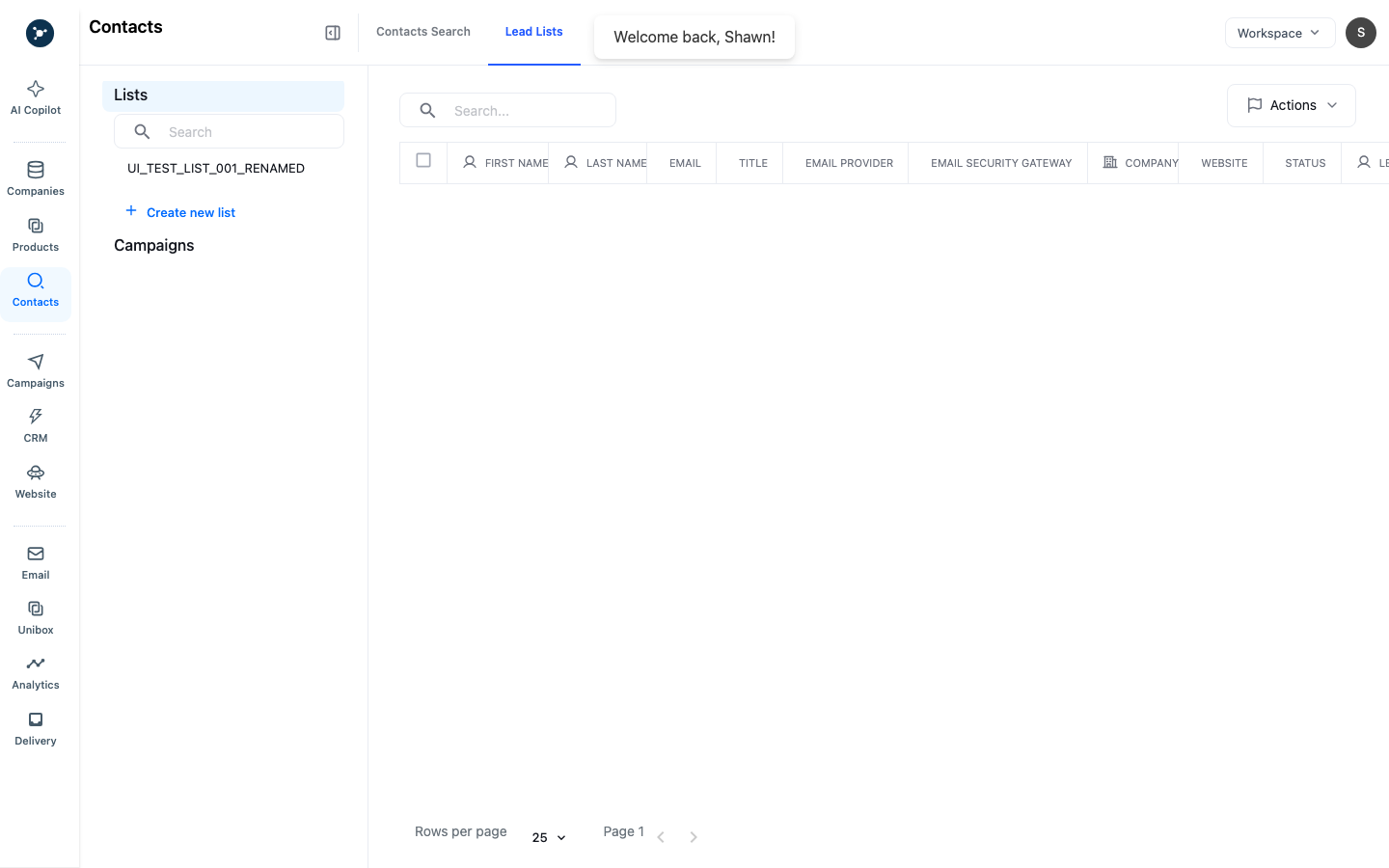
- Open Contacts → Lead Lists.
- Review existing list names, counts, owners, and recent activity before creating another list.
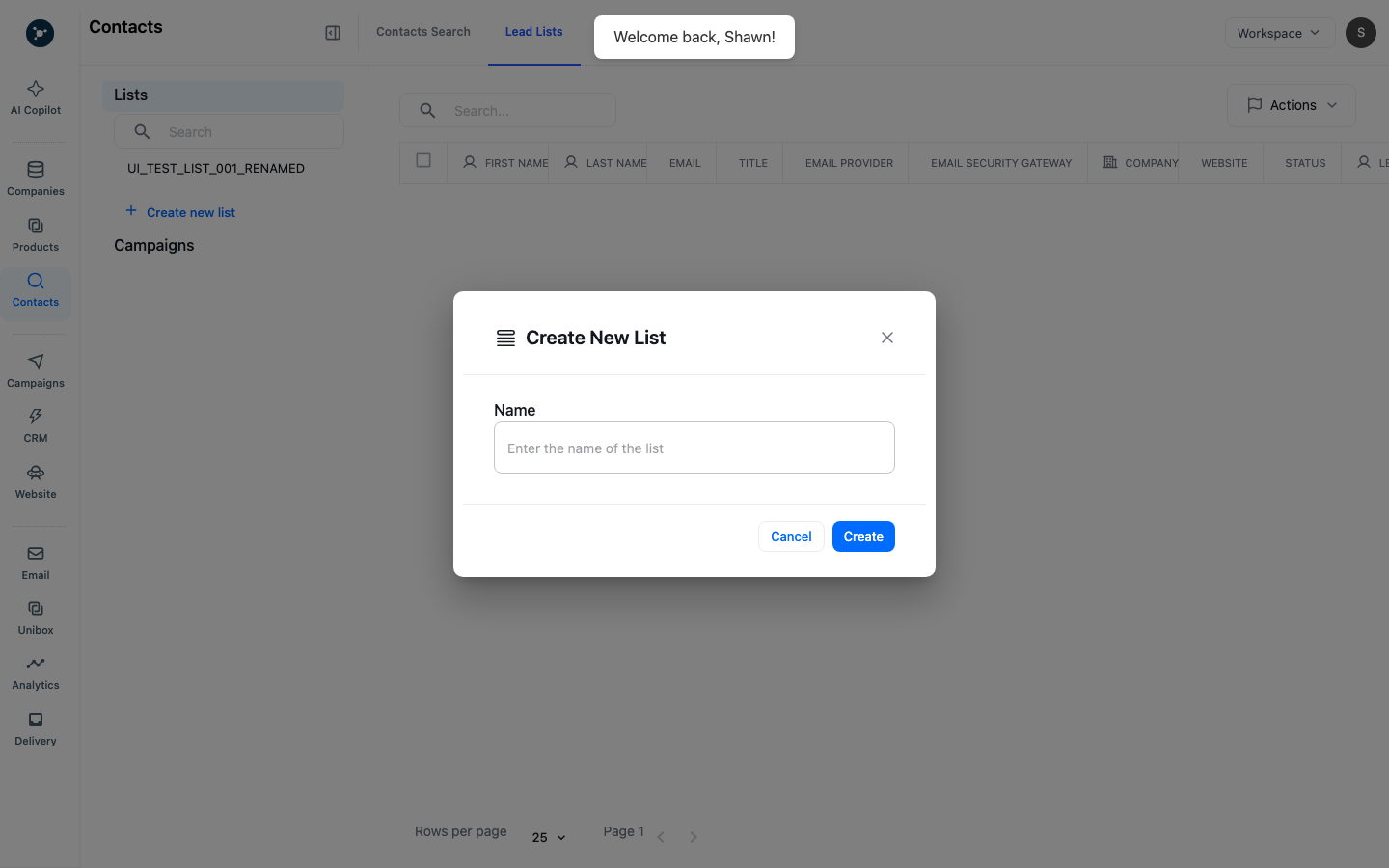
- Choose Create new list when the current lists do not represent the audience or research question.
- Give the list a name that states the market, role, or campaign purpose. Avoid names that expose sensitive customer information.
Add and review records
Add companies from search, trade research, website signals, or an approved import. Before adding a person, check the company website, country, role, and information date. Search the list and workspace first so you do not enrich or message the same contact twice.
Keep unresolved companies in a research list until you confirm their identity. The count on a list does not mean every record is complete, deliverable, or ready for outreach.
Maintain list quality
- Use one list for one decision or workflow. Split unrelated audiences.
- Remove or merge duplicates after checking the canonical company and contact records.
- Note why a contact was added and when you checked the information.
- Review email validity, consent or policy requirements, sender readiness, and suppression rules before exporting or enrolling records.
- Archive old research lists instead of quietly reusing them for a new campaign.
Troubleshooting
If the list is empty, confirm the filters and workspace before assuming the search returned no matches. If a record cannot be added, check permissions, list ownership, plan limits, duplicate membership, and whether the source record is still available. Preserve the visible error and request ID for support.
What happens next
Use a reviewed list as the input to a campaign, contact enrichment, or a CRM handoff. Keep the list as the auditable source audience for later review.
List fields and actions
| Field or action | Required | Result |
|---|---|---|
| List name | Yes | Identifies the audience and its purpose in Lead Lists. |
| Record selection | Yes for bulk actions | Limits enrichment, removal, or campaign handoff to checked rows. |
| Owner or note | Recommended | Records who reviewed the list, source, and next action. |
| Add, remove, export | Permission dependent | Changes membership or creates an export using the current selection. |
Complete list maintenance
- Open Contacts → Lead Lists and select the list.
- Check the list name, total count, filters, and last update before changing membership.
- Add records from Contacts or a company profile, then reopen the list and confirm the count increased.
- Select duplicates or out-of-scope records, choose the row action, and confirm the removal dialog.
- Export only after reviewing the selection and destination; verify the downloaded row count.
- Add a note with the source, review date, and next workflow.
An empty list can be a valid result after removal. If a bulk action is disabled, check row selection and list-write permission. Do not start a second bulk enrichment while the first remains pending.