Prepare an outbound email campaign by selecting an audience, writing and testing a sequence, choosing connected sending accounts, and setting a schedule and limits. Review the campaign before launch, then use available Analytics and Unibox activity to decide what needs attention.
Prepare a campaign
Start with a reviewed audience and confirm that each contact may be used for the intended outreach. Build the sequence, check personalization fields and fallbacks, and send a test email to an internal address. Review the connected sender, campaign limits, schedule, tracking, and unsubscribe behavior before launch. Creating a campaign draft does not start sending.
Review activity and replies
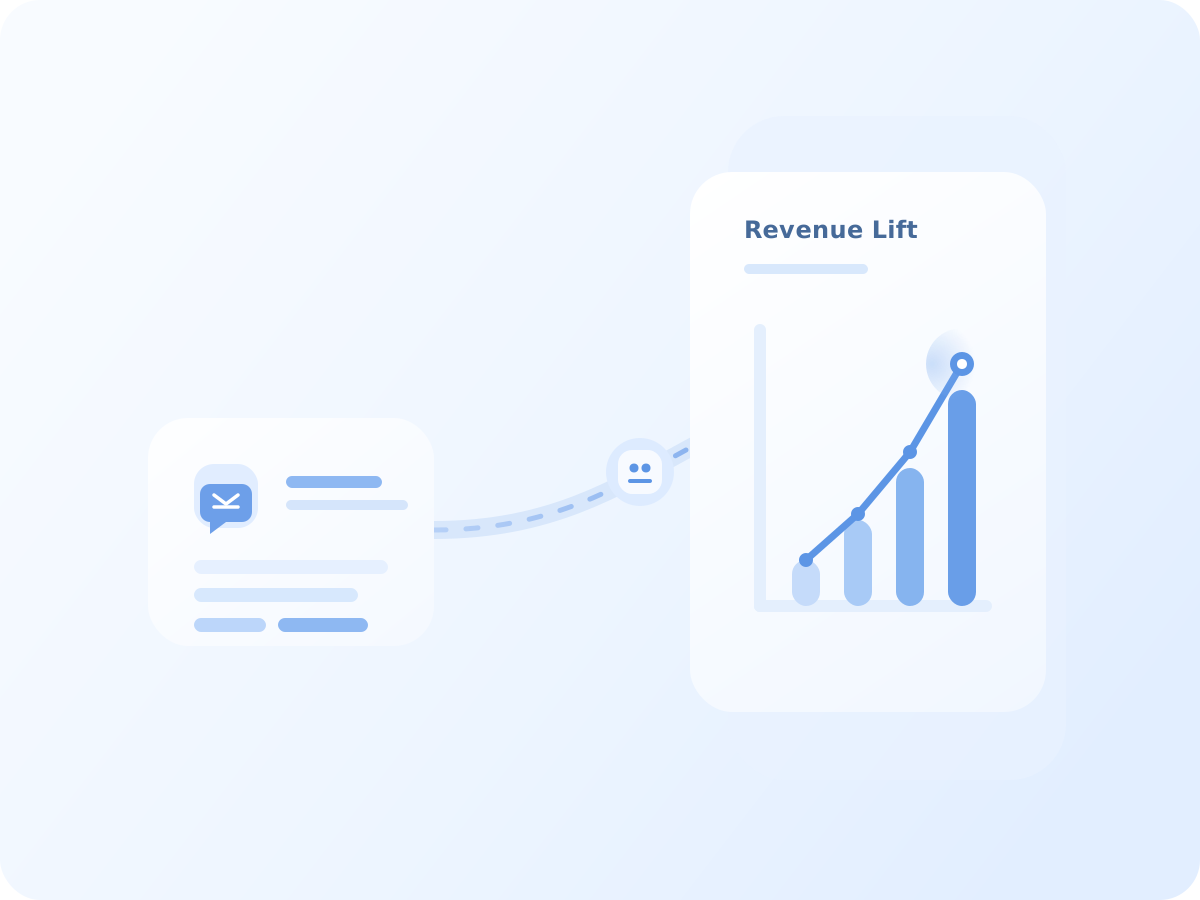
After launch, check the delivery and engagement metrics available for the campaign. Metrics describe recorded activity and may need context from the selected date range, sender, and audience. Review reply threads in Unibox, assign an owner where needed, and record the next action in CRM.
Copilot can help with bounded writing tasks, but generated text remains a draft for an operator to check. It does not send a campaign or update records by itself.