
Tool
- Home /
- Categories /
- Tool
AI Reply Agent
AI Reply Agent Review incoming email conversations in Unibox, label their status, and record the next action in CRM. If an AI reply suggestion is available, read it alongside the full thread and recipient context before using it. A person remains responsible for sending the reply and deciding whether the conversation qualifies for follow-up.
Read MoreBuying Signal Detector
Buying Signal Detector Track buying signals and use timing as part of the workflow, not just the targeting list.
Read MoreCompetitors Monitor
Competitors Monitor Competitor research can help frame a market or account question. Check the source and date for each reported change, then record what still needs confirmation before using it in a decision.
Read MoreIntegrations
Choose a connection path based on the system and action: connect a sending mailbox in Dureach, use the customer API or webhooks for custom data flows, or connect an MCP-capable AI client. Provider options and permissions depend on the workspace, so check the available settings before planning a connection.
Read MoreReview Company-Level Website Visitor Signals
Review Company-Level Website Visitor Signals Website Visitors associates some site visits with a company after its tracking script is installed. A company match does not identify the individual visitor or prove buying intent. Review the visit and its source before deciding what to do next.
Read More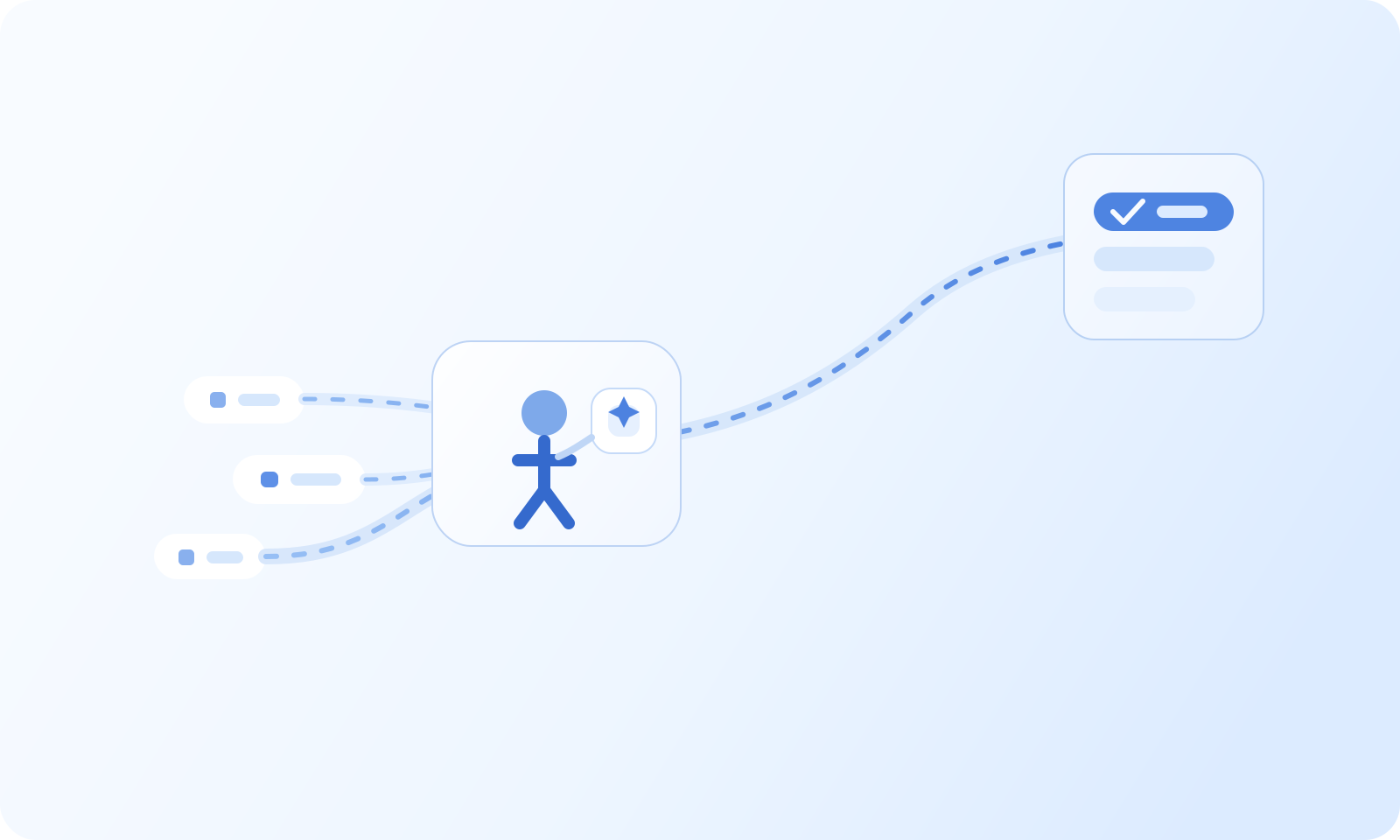
Intent Harvesting: Identify and Convert High-Value Buyers
Intent Harvesting: Identify and Convert High-Value Buyers Most teams collect buyer signals from several places, but they still struggle to turn those signals into clear priorities. Website activity, reply behavior, product interest, and account changes often live in separate systems, which makes timely follow-up harder than it should be.
Read More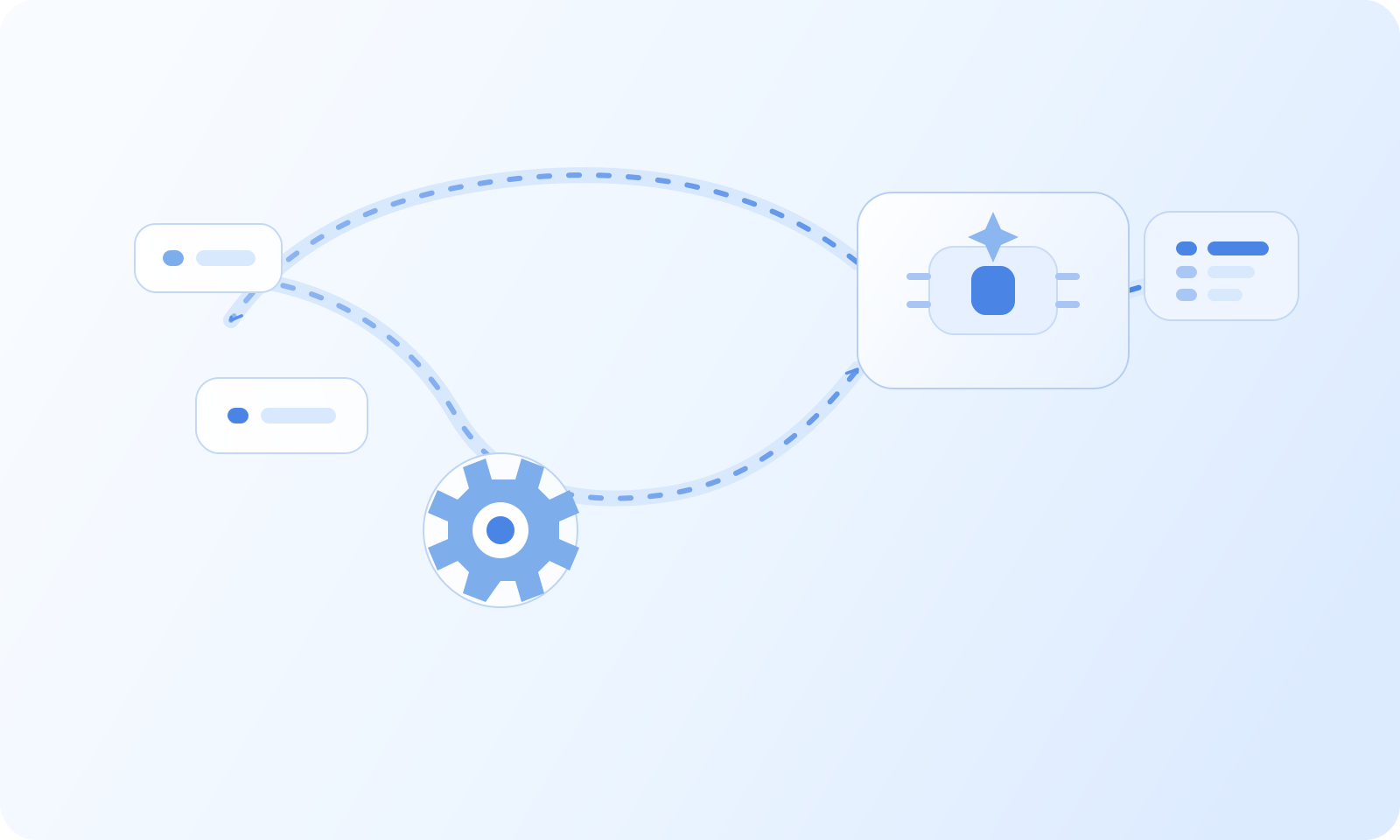
Review Business Signals Before Prioritizing Accounts
Several sources can help a team decide which accounts to research first, but no single signal or combined score establishes that a company intends to buy. Review what each source records, how current it is, and whether it refers to the right company before acting.
Read More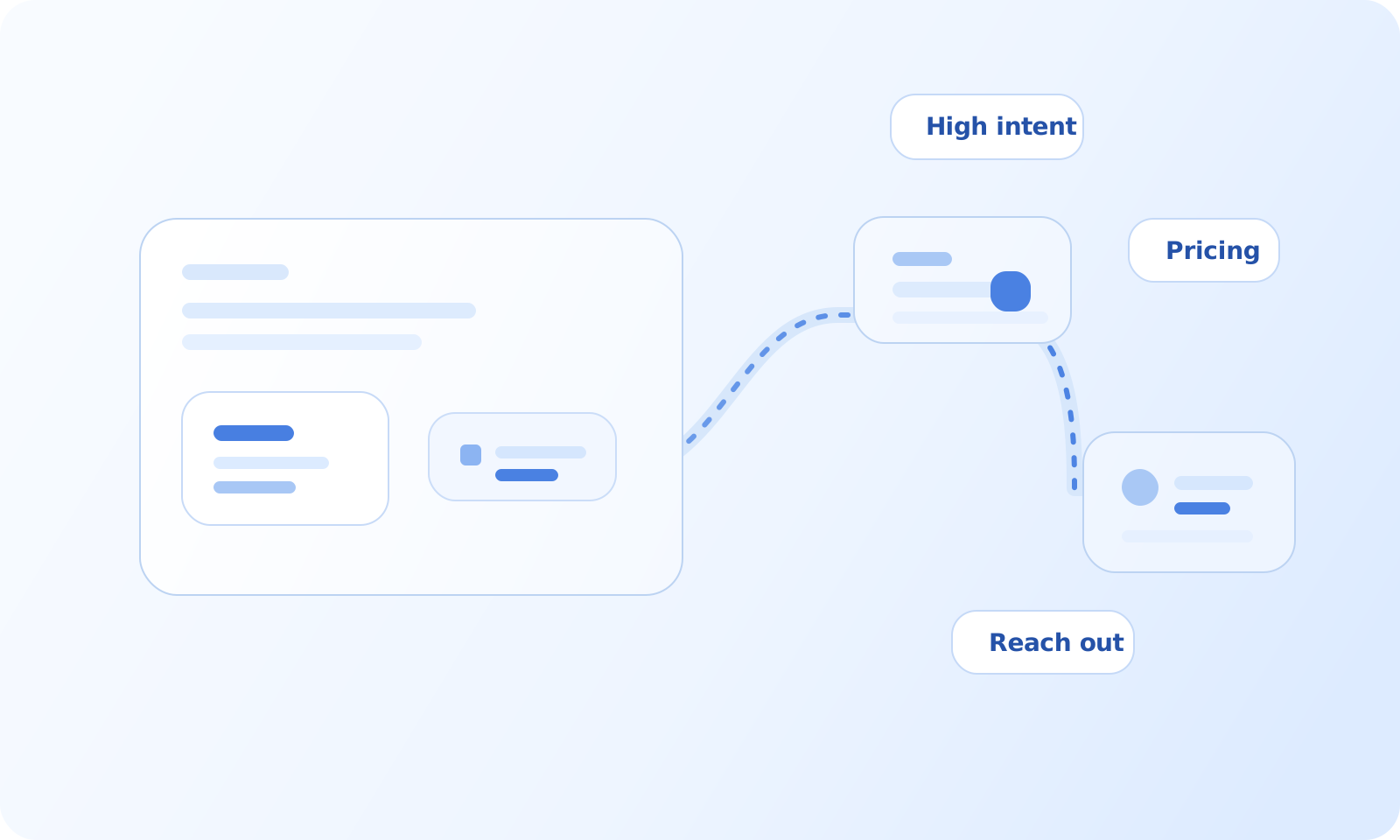
Use Company-Level Website Visitor Signals in B2B Sales
Use Company-Level Website Visitor Signals in B2B Sales Website Visitors associates some site visits with a company after its tracking script is installed. A company match does not identify the individual visitor or prove buying intent. Review the visit and its source before deciding what to do next.
Read More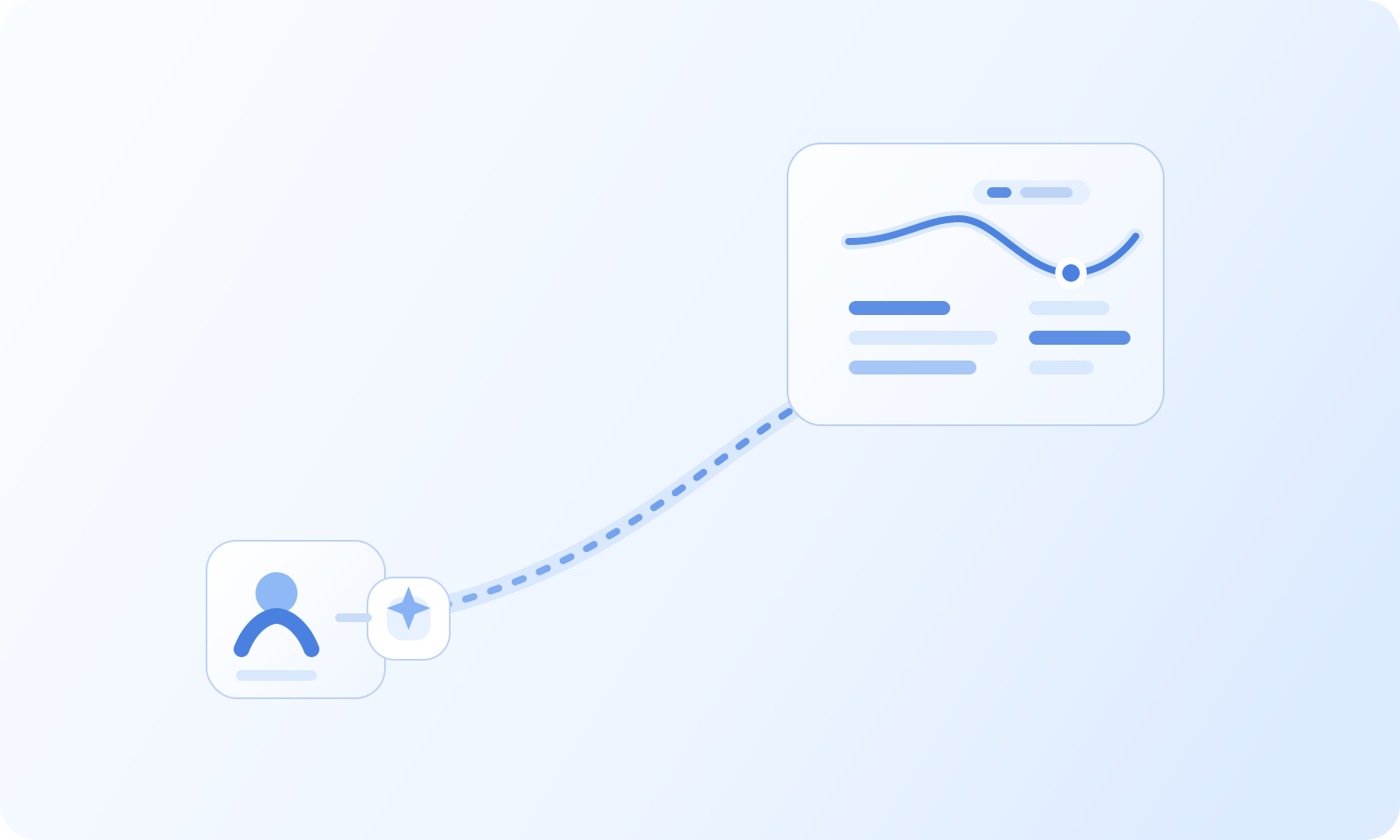
Agency campaign reporting across client workspaces
Prepare a report for each client Open Analytics in the client workspace you are reviewing, or open a campaign and select its Analytics view. Choose a date range and timezone, then note the campaign and sender being reported. Repeat the same steps for each client workspace you are authorized to access.
Read MoreCampaign analytics and inbox-placement testing
Use campaign Analytics to review delivery Open Analytics or select a campaign and open its Analytics view. Set a date range that includes the sends you want to review. Compare the available sent, delivered, bounced, opened, clicked, replied, positive, and opportunity metrics. Segment by campaign, sender, or status when the view allows it.
Read More
Connect a Microsoft 365 account for campaign sending
Connect a Microsoft 365 mailbox from Dureach before selecting it for a campaign. The connection dialog determines which authorization steps and settings are required; the available options can vary by workspace and mailbox administrator.
Read MoreConnect External AI via MCP
Give an external MCP client governed access to workspace tools Connect External AI via MCP exposes fourteen dureach.* workspace tools over MCP streamable HTTP at https://app.dureach.com/mcp. External clients authenticate with workspace OAuth, discover only granted tools, and run reads, drafts, and policy-gated sends inside workspace quotas and approval gates.
Read MoreEmail Reply Triage in Unibox: Review and Follow Up
Triage email replies in Unibox Unibox lets teams review incoming conversations, apply workspace reply labels, and record follow-up in CRM. Read each thread before deciding whether it needs a response, an owner, a task, or no further action.
Read More
Plan an operator-reviewed outbound workflow
An outbound workflow can span several jobs: research a company, prepare a campaign, review replies, and record the next action. Keep each step scoped and reviewable so a person can check the source, message, and handoff before work moves forward.
Read More
Review campaign sending limits before launch
Before launch, review the limits shown for each connected mailbox and the campaign. Dureach can delay eligible sends when a limit, schedule, or other campaign condition applies. The values and controls available depend on the workspace and plan.
Read More
Review Company-Level Website Visitor Signals
Website Visitors can associate some site visits with a company after its tracking script is installed. A company match does not identify the person who visited or establish buying intent. Review the visit and its source before deciding what to do next.
Read MoreReview Replies Across Campaigns in Unibox
Review replies across campaigns in Unibox Use Unibox to review incoming email conversations from connected sender accounts. Filter by campaign, sender, unread state, or reply label where available, then open the thread and check the recipient, latest message, and linked lead status.
Read More