
Business signals to pipeline
Your AI workforce. Signals to action.
Use the AI Copilot and Deep Search, assign work to AI agents, or connect your preferred AI client to Dureach through MCP. Research companies, enrich contacts, prepare outreach, publish content, and manage CRM work.
Start with a 7-day free trial.
- 7M global companies database
- 450M global B2B contacts
- Global shipping records
See the workflow
Explore Copilot and Deep Research
Follow a focused question from the Copilot composer to a planned research project. This ungated tour uses redacted product captures; the sample plan values shown are illustrative.
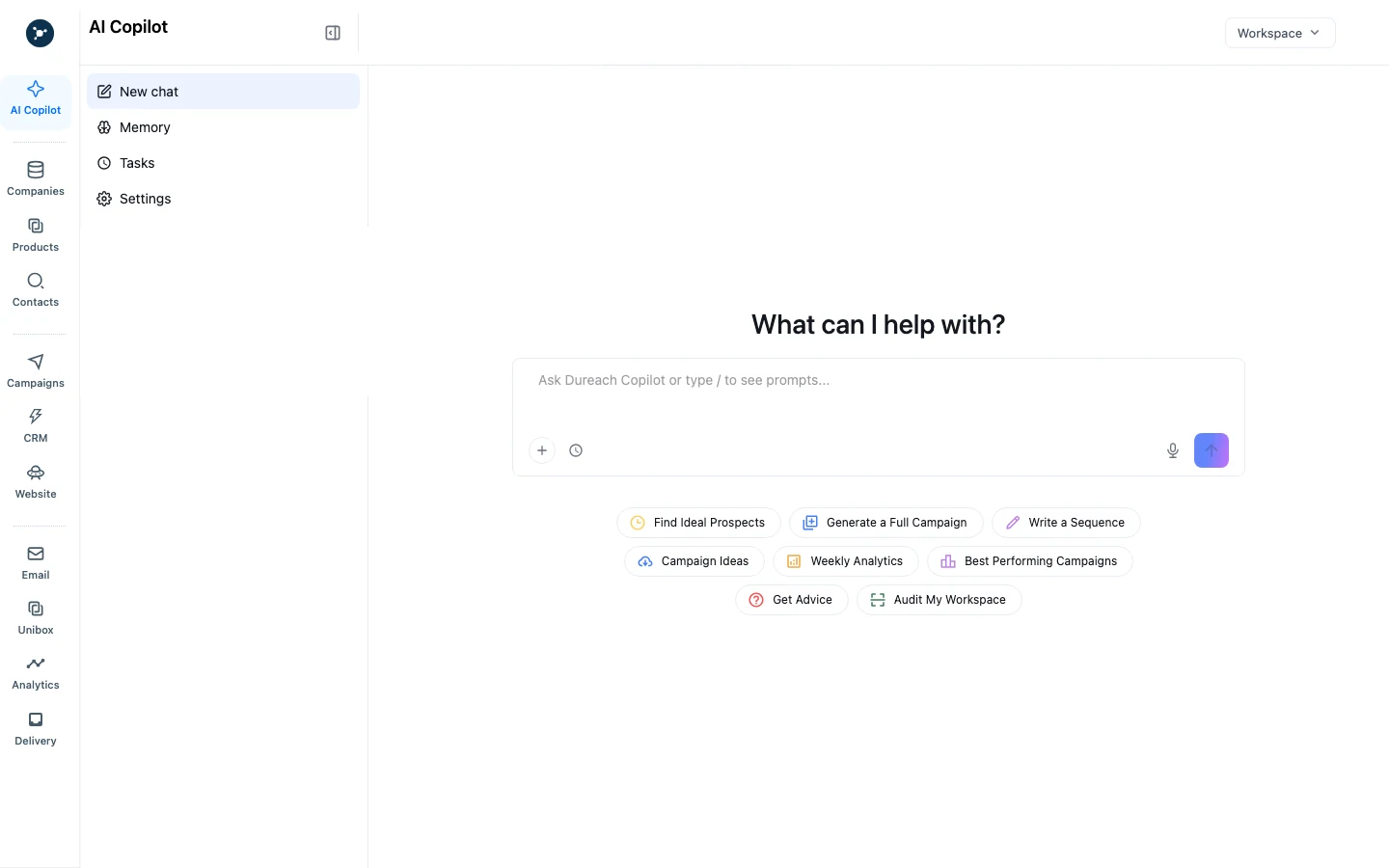
01Start with a focused question
Use Copilot for a bounded research or writing task. Name the company or record, state the decision you need to make, and add only the context required.
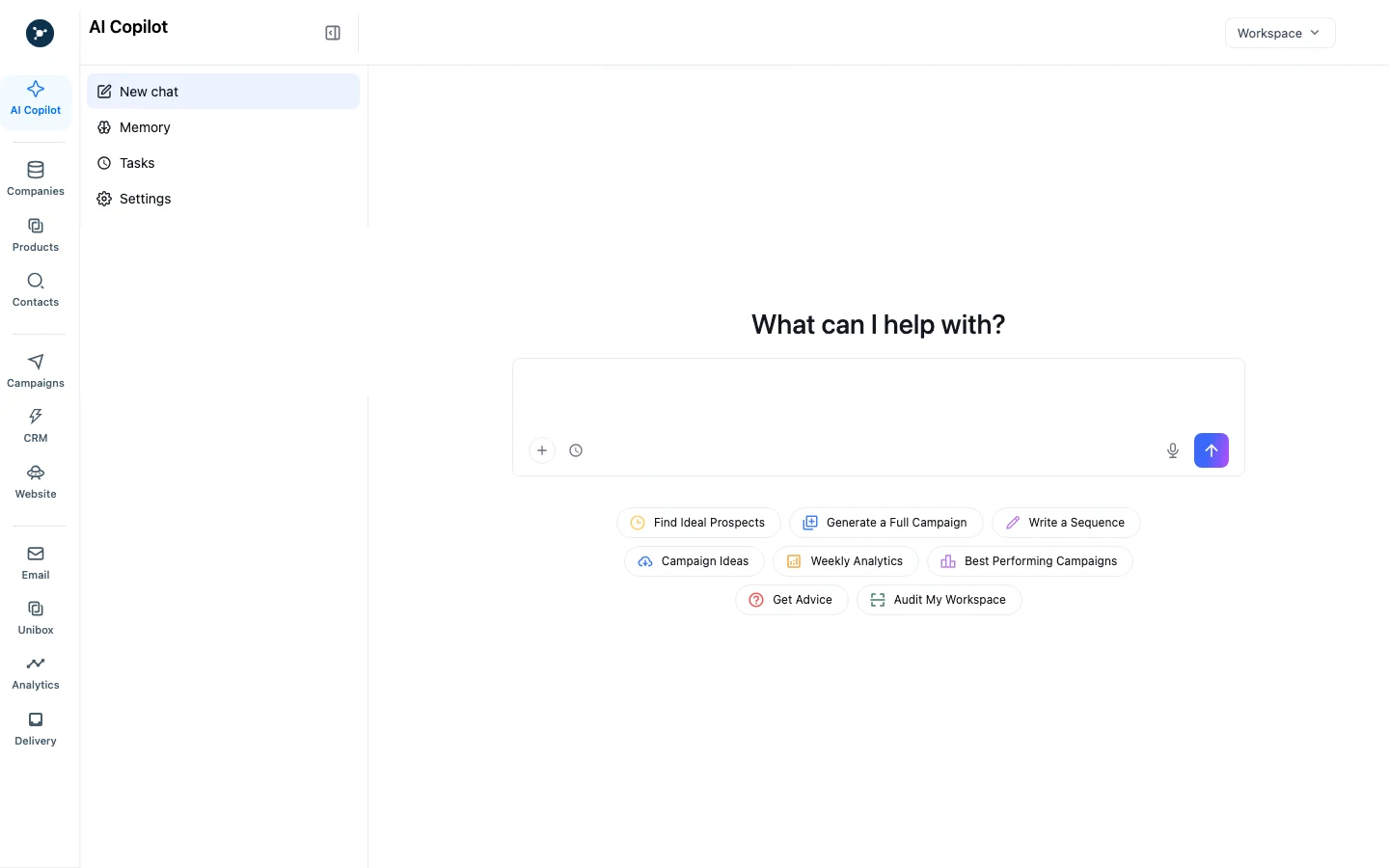
02Draft and review the prompt
Check the requested output and information boundary before sending. Submitting a prompt starts a request; it does not approve a contact, send an email, or update CRM by itself.
03Plan broader research before it runs
For a larger question, set the research scope and inspect the proposed plan. Clarification is optional. Approve the plan before the run starts, then review its progress and saved artifact.
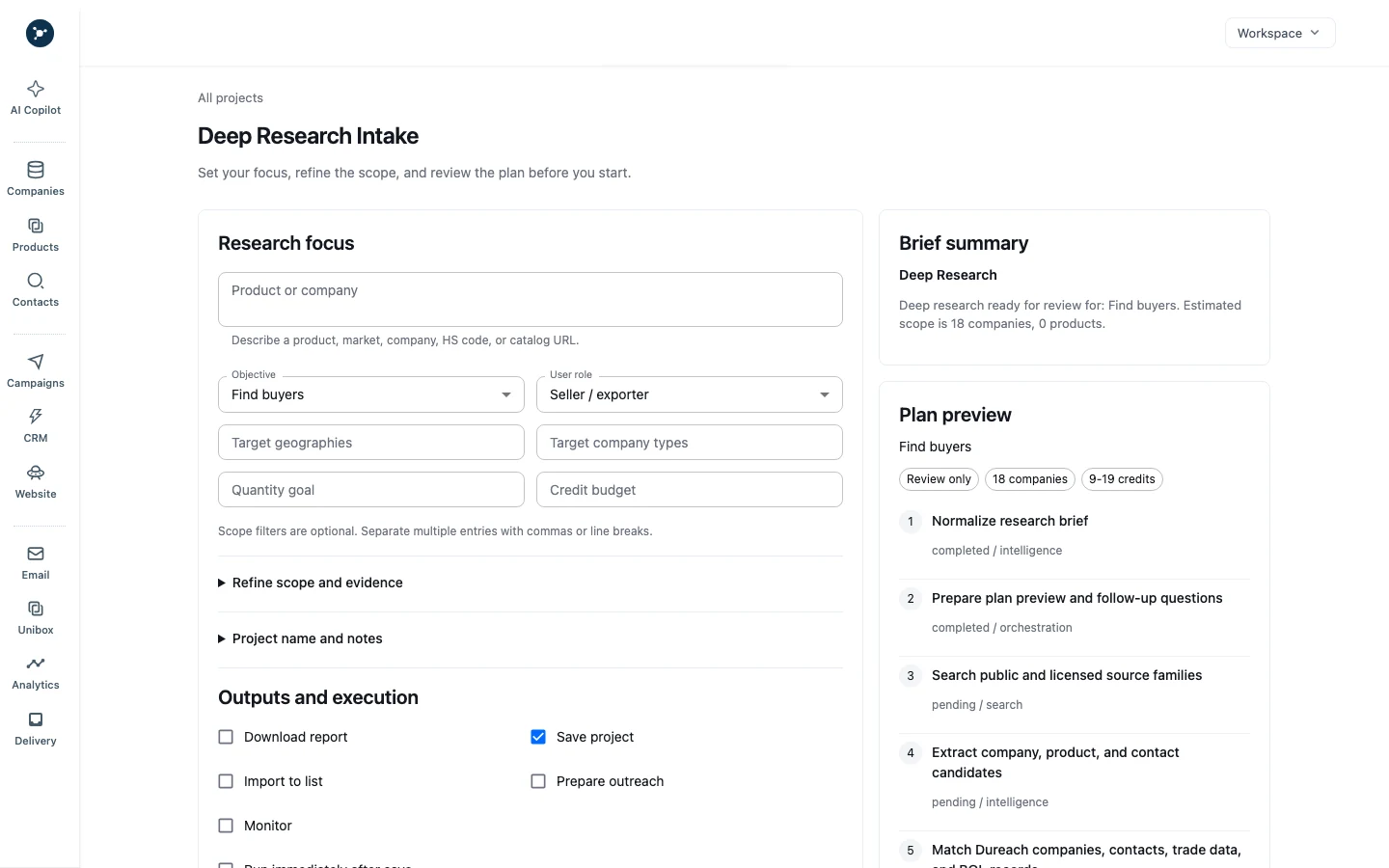
Product interface captures. Account details and prompt history are redacted; sample research quantities are illustrative.
Signals-to-Pipeline
Turn business signals into the next action.
Start with trade records, social platforms, news sources, AI databases, company lists, websites, files, CRM history, or campaign replies. Use each source to research the company, add contact context, plan channel work, and carry the next action into CRM.
Signals
Collect trade records, social platforms, news sources, AI databases, company lists, websites, files, CRM history, and replies with their sources.
Leads
Identify potential customers, match company records across sources, and remove duplicates to build accurate lead profiles.
Enrichment
Add decision-maker and account context while retaining source provenance and permitted-use rules.
Decision
Prioritize accounts and propose the next action using the brief and supporting information.
Outreach
Prepare recipients and messages for approval; respect consent, opt-outs, and suppression.
Pipeline
Return reviewed changes, replies, and handoff notes to canonical CRM records.

Workflow preview
Trade intelligence
Find buyers. Vet suppliers. Track competitors.
Shipment and customs records can help with buyer, supplier, and competitor research. Coverage depends on the source.
- Buyer discoveryUse product categories and shipment records to find companies for further research; check dates and company matches before acting.
- Competitor activityReview reported trade lanes and supplier relationships to understand possible sourcing changes.
- Supply chain researchCompare available shipment records when researching suppliers, market activity, or sourcing alternatives.
Coverage and permitted use depend on the source and licensing terms. Validate company matches before outreach or sourcing decisions.
Explore trade dataPlatform capabilities
AI for every step of the workflow
Use connected capabilities to move from information and company information through enrichment, decisions, outreach, and pipeline handoff.
Signals + Leads
Start with a signal, then resolve the company behind it.
Decision
Turn account signals into the next best move.
Channels
Channels
For your work
AI agents for the work you need done
Questions, answered
Questions about the signals-to-pipeline system.
What does trade data add to prospecting?
Shipment records provide context on import activity, supplier relationships, and product categories. Use that context to assess account fit before outreach.
Does Dureach include contact enrichment?
Contact enrichment adds company and decision-maker context to research. Check source provenance, role fit, and permitted use before adding contacts to a campaign or CRM.
What day-to-day work can Dureach support?
Research, writing, reply drafts, follow-up preparation, website updates, and CRM handoffs. Your team reviews deliverables and approves customer-facing actions.
How are campaigns checked before sending?
Review recipients, messages, sending limits, and campaign readiness. Respect consent, opt-outs, and suppression rules before approving outreach.
When does execution begin?
Execution begins after you approve the plan. Clarifying questions are optional and focus on material details that could change the result.
Does work continue after I close my browser?
Yes. Runs continue after browser closure and report observable progress with research summaries. Review and validate candidate outputs before updating authoritative records.
Start with a signal
Build your next pipeline motion from business signals.
Find companies, enrich decision-maker context, prioritize accounts, sync CRM activity, and prepare controlled outreach. Bring a research question or publishing brief, define the output, and review the plan.
Get started